 Paintsight
Support
Or use Contact Support in the app's Settings, which adds your app version, iOS version and device for us. We usually reply within two working days.

Common questions
How do I unlock unlimited photos?
Paintsight is free with up to 3 reference photos and every tool. When you try to add more, Paintsight offers the one-time unlock. If you've bought it before, use Restore Purchases in Settings.
My library isn't on my other device.
Paintsight syncs through iCloud. Check that both devices are signed in to the same Apple Account and that iCloud is on for Paintsight in Settings, your name, iCloud. A large library can take a while to arrive the first time.
How do I get a photo into Paintsight?
Tap + (Add Reference) in the library to take a photo or import from your photo library, one at a time or several at once.
Can I send a reference to Procreate?
On iPad, drag a reference from Paintsight straight into Procreate, Files or another app. You can also open a reference in its own window beside your painting app in Split View or Stage Manager.
How many values should I use?
Start with 3: light, middle and dark. See the guide on how many values to use for when to add more.
Free tools
These run in your browser and work without the app.

Notan and value study maker
Turn a photo into 2 to 7 values and see where each one falls.
Open the tool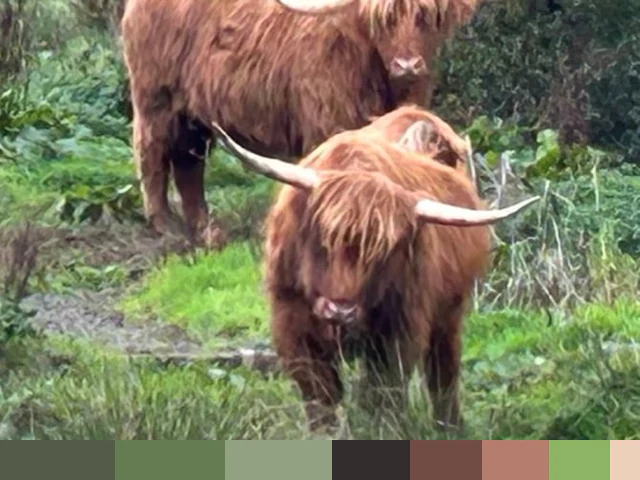
Palette from a photo
The main colors of a photo, with each one's share, value, and whether it's warm or cool.
Open the tool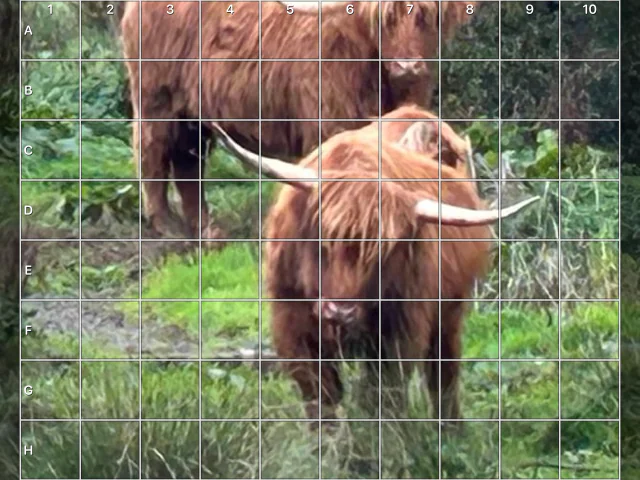
Drawing grid maker
Put a grid on your photo that matches your canvas, square for square.
Open the toolPrivacy
See the privacy policy.